Free downloadGoogle Sheets compatible
Free Inventory Tracking Template for Google Sheets
Track stock movements, on-hand quantities, reorder points and inventory value. Download this formula-based XLSX for Google Sheets or Excel.
XLSX · 18 KB · No email or payment needed
How to use this template
- Download the XLSX file. No Tidy Drafts account or email is needed.
- Open the file directly in Excel, or upload it to Google Drive and choose Open with Google Sheets.
- Read the Read me sheet, enter your own details in the yellow input cells, and keep formula cells intact.
Use unique SKUs and matching movement references. Valuation uses current unit cost; this is not an accounting cost-basis system.
Google Drive file help ↗What’s inside the download
Item list
100 item rows with SKU, supplier, opening stock, cost and sale price.
Stock movements
200 dated receipts, sales or adjustments matched by SKU.
Stock calculations
Movement totals, on-hand stock, current-cost value and margin.
Reorder status
Flags at or below the reorder point and negative-stock warnings.
First worksheet preview
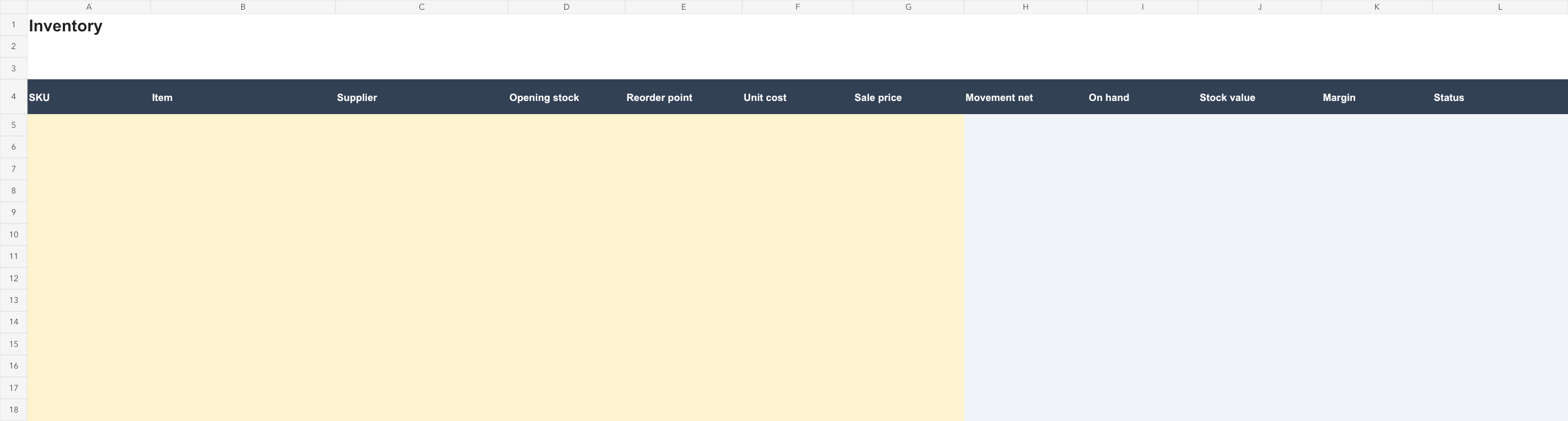
Preview of the actual file. Open it for a closer look; edit your downloaded copy.
Template features
- Inventory, Movements and Read me sheets
- On-hand quantities update from matching movements
- Reorder and duplicate-SKU highlighting
- Margin calculations with blank-price handling
Frequently asked questions
What do I receive?
Track stock movements, on-hand quantities, reorder points and inventory value. Download this formula-based XLSX for Google Sheets or Excel. Use unique SKUs and matching movement references. Valuation uses current unit cost; this is not an accounting cost-basis system.
Is this template free?
Yes. Download the complete file without payment, an email address or a Tidy Drafts account. You may adapt it for personal and business work, including completed client documents.
How do I open and edit it?
Open the file directly in Excel, or upload it to Google Drive and choose Open with Google Sheets. Read the Read me sheet, enter your own details in the yellow input cells, and keep formula cells intact. A Google account is required to edit in Google Drive. Downloading from Tidy Drafts does not require one.
Can I use it more than once?
Yes. Keep a clean copy and duplicate it before starting a new project, month or client document. Replace the supplied prompts or examples with your own information.